
This week, petslab.it adds tools for working together, managing supplementary charges and collecting the right information when clients register for an event. This update, dated 8 November 2026, covers features released from 2 to 7 November.
The Centres plan: one business for your team
If you run a dog training school, day care or boarding business with other people, the new Centres plan lets you invite collaborators by email and work with the same business data. It includes Pro features and unlimited collaborators.
Create custom roles with permissions to read, edit and delete in the different areas. Admins have full access and manage the team; billing, ownership transfers and closing the business remain the owner’s responsibility.
People working with several businesses can switch between them using the business selector, keeping data and permissions separate. Centres is a separate choice from Pro: people working alone can continue with their current plan.
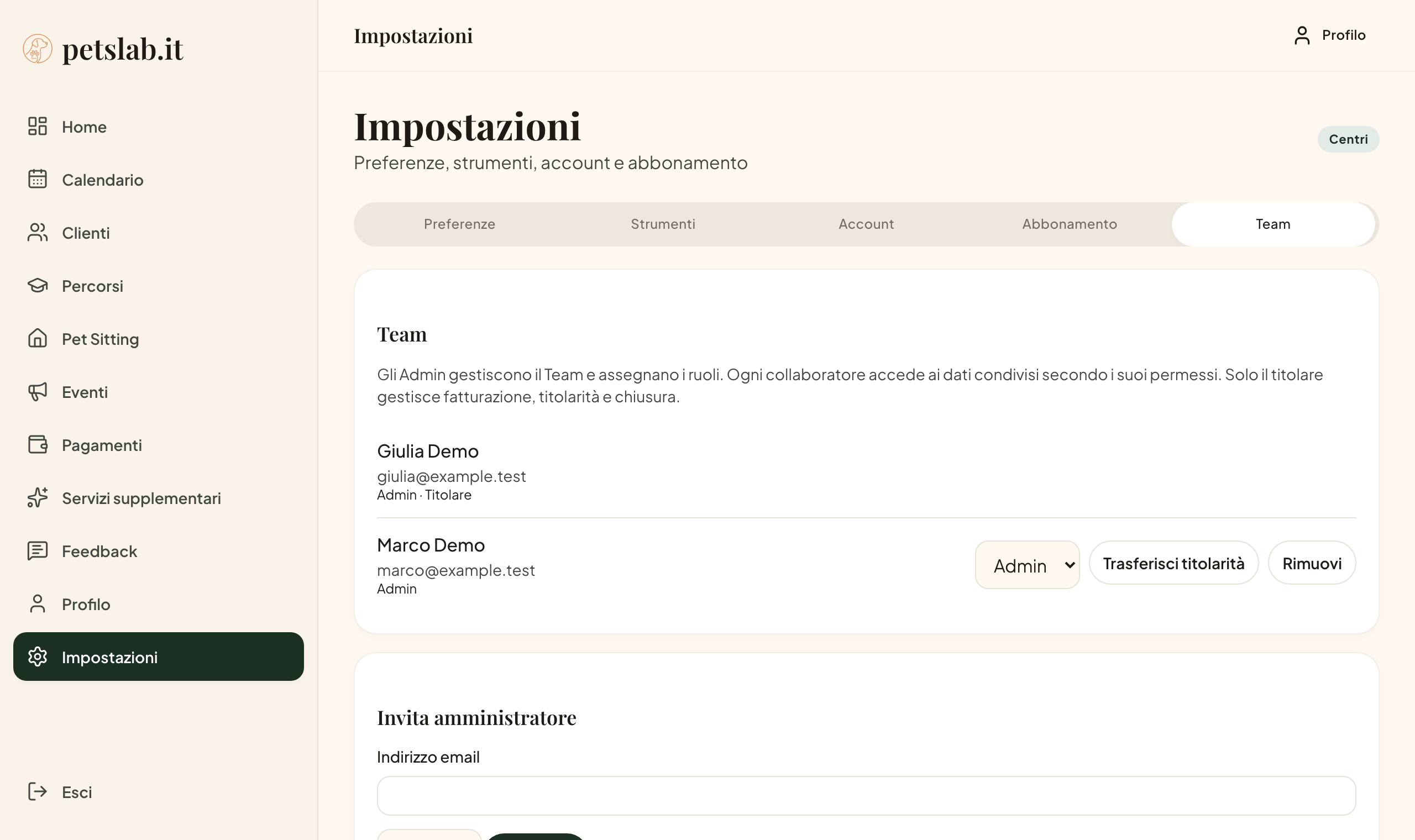
Team management in the Italian interface. Names and email addresses are fictional demo data.
Supplementary services: pickups and surcharges alongside payments
The Supplementary services board lets you create reusable items such as a home pickup or a public holiday surcharge.
Set an amount per day or lesson, a one-off amount or a percentage, then add the service to a programme, an individual lesson or a Pet Sitting stay.
Activities retain the service price recorded when it was added. Updating the catalogue does not change services already attached to an activity. Payment management must be enabled for these sections to appear.
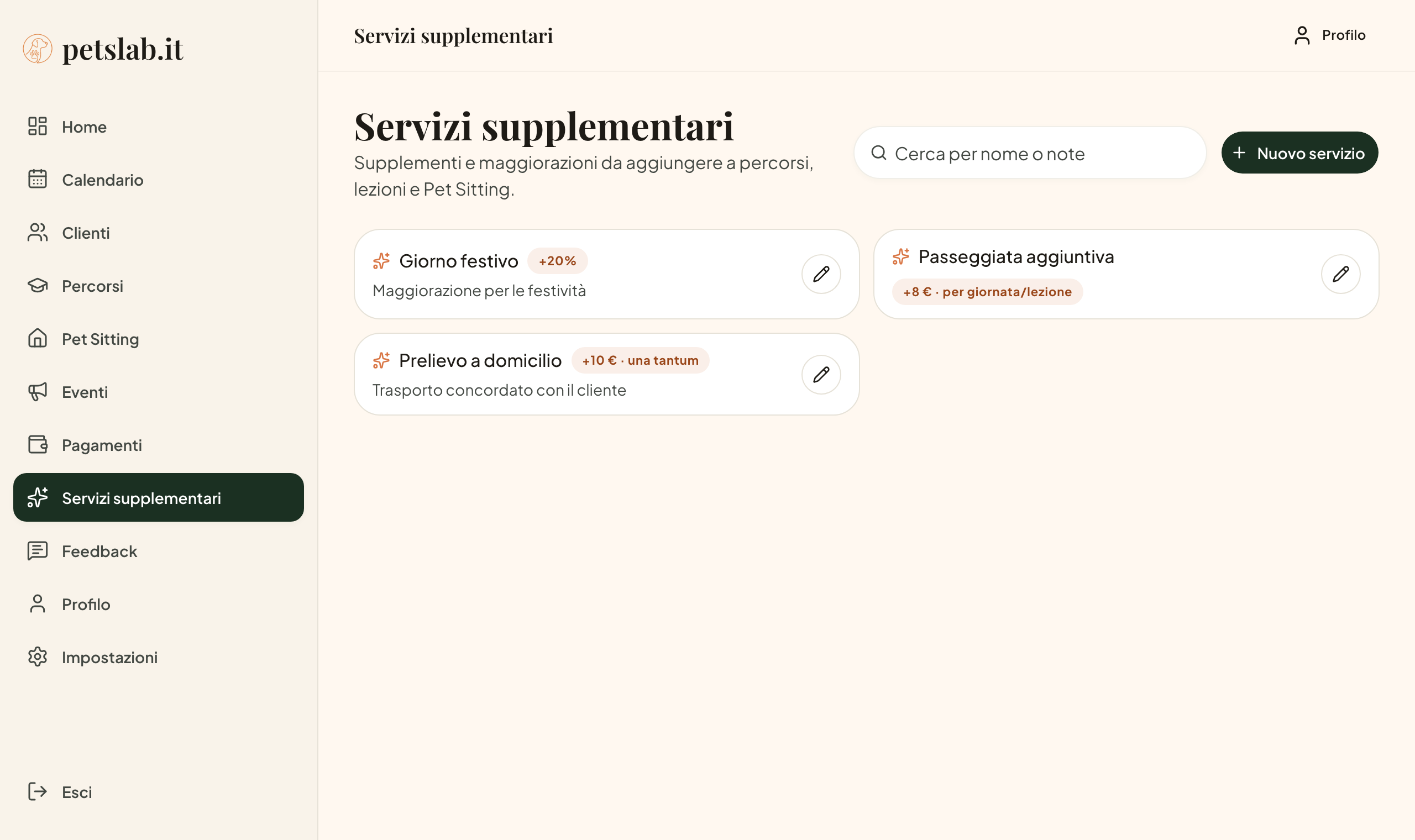
Examples in the Italian interface: a percentage surcharge, a daily amount and a one-off charge. Prices are illustrative.
Event registration forms with your own questions
Under Settings → Tools, event templates let you prepare questions once and reuse them for new events. Choose which answers are required and preview the registration form before publishing.
Name, email and consent are always requested; the other questions can match the information you need to organise participation.
Once the first registration arrives, the event’s form can no longer be changed, keeping answers connected to the questions participants completed. For more practical advice, see the guide to managing bookings and enrolments.
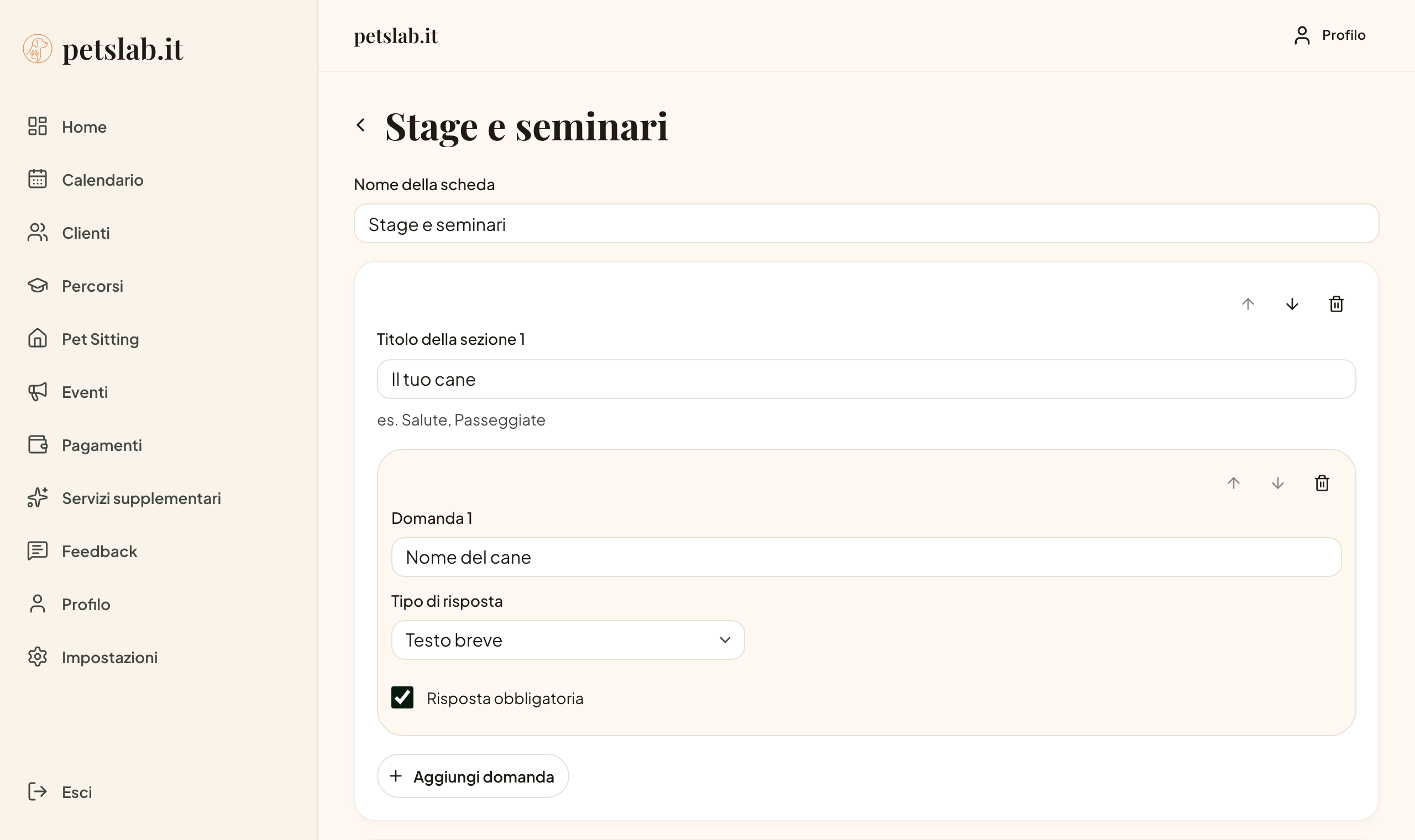
A demo registration template in the Italian interface, showing the answer type and required-answer setting.
Invite a colleague and earn a month of Pro
Under Settings → Subscription, the referral card lets you copy your personal invitation link and share it with a colleague. If a new trainer registers through that link and makes their first Pro payment within twelve months, you earn one full month of Pro.
The reward becomes available after thirty days, provided the payment has not been fully refunded or disputed. Months accumulate and are applied automatically after your existing free or paid period, including with an annual subscription. Pending billing changes or cancellations may delay application.
The card shows registrations, pending months and applied months. This programme rewards Pro time; the invitation card is not displayed on the Centres plan.
Push reminders before appointments
Enable push notifications on your device to receive a reminder shortly before lessons, events and Pet Sitting activities with a scheduled time, including visits, arrivals and departures.
Open notification preferences in Settings and authorise your device. On iPhone and iPad, first add petslab.it to the Home Screen and open it from its icon. Availability depends on browser support and permission settings. Existing email summaries remain unchanged.
Client access with an email verification code
Clients now sign in with an eight-digit code, valid for ten minutes. They enter the email address you have recorded, receive the code and type it into the access page. They do not need a password or to switch browsers to open a sign-in link.
Share app.petslab.it/client. Clients still find their activities and contact details in the private area introduced in last week’s update.
More flexible programmes and fewer steps from a client record
You can enrol a dog in a programme directly from the client record. Custom programmes now also allow several lessons on the same day, provided their start times differ.
Payments show the programme total, and you can change the expected amount for one lesson without changing the others. When editing a lesson from the programme page, you can choose whether to notify clients.
On desktop, client and programme lists also offer a table view. The website, blog and communications are now available in English for people working in both languages.
To get started, choose an update that fits today’s work: prepare a frequently used extra, create your next event’s form or configure your business team.